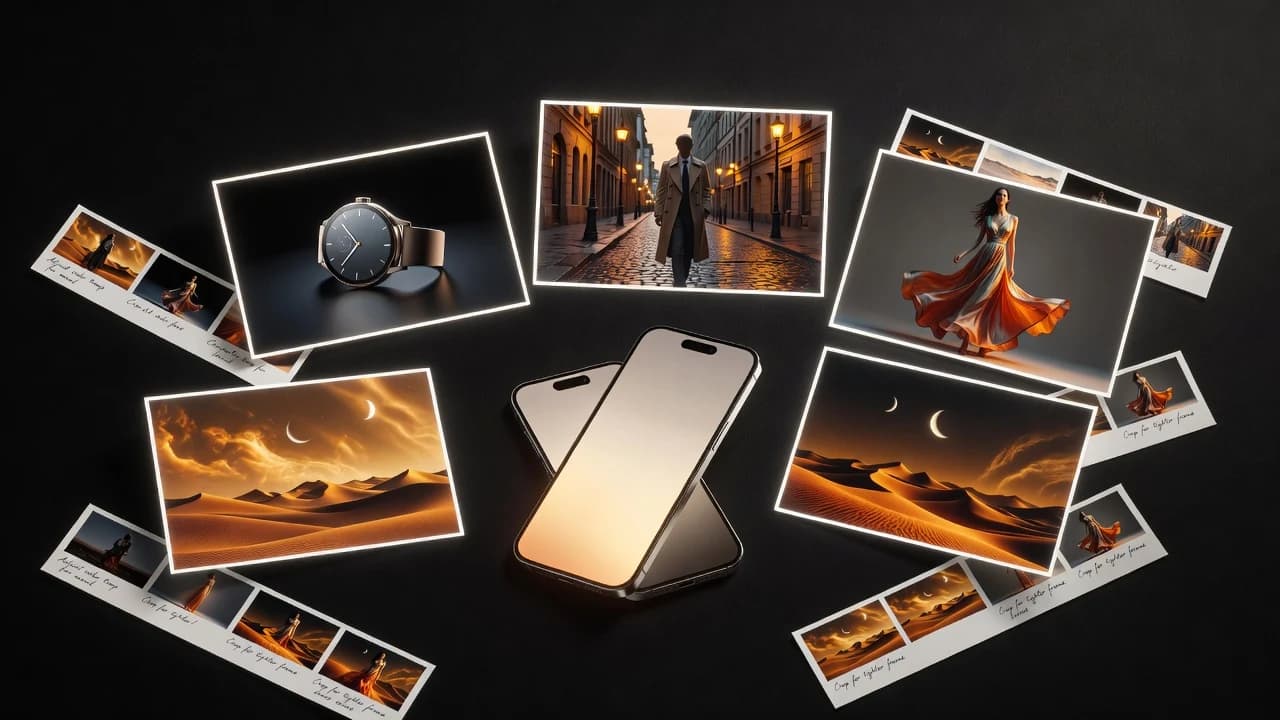
What makes an AI video generator app genuinely useful?
A useful AI video generator app helps you move from an idea to a reviewable clip without burying the creative decision under technical setup. You should be able to start with a text prompt or source image, understand what the selected model accepts, choose a suitable format, see the credit requirement, and generate. The interface matters because AI video is iterative: the first result is often a motion sketch, not a final cut. A good app makes the second and third attempt easier to direct.
The result matters more than the feature list. Look at subject stability, believable movement, camera behavior, image preservation, temporal consistency, and whether the clip fits your intended frame. A fashion image may need gentle fabric movement; a product photo may need exact geometry; a fantasy prompt may benefit from expressive camera work. Those are different jobs. The best app is the one that makes it clear which workflow and model fit the current job.
Why VIBE is our best app pick for mobile creators
VIBE is the winner in this guide for creators who want an approachable, multi-model AI video generator on iPhone or Android. It supports text-to-video, image-to-video, photo-to-video, and prompt-to-video workflows through currently available models. That combination is practical: you can animate a strong existing visual, or begin with a written scene when no source image exists. You do not need to learn a desktop production interface before testing an idea.
Its differentiator is model choice within a consistent mobile workflow. AI video models have different instincts. One may preserve a source image better; another may create stronger atmospheric movement; a fast option may be right for early prompt testing; a higher-cost option may make sense for the final concept. VIBE lets you compare supported choices without presenting one system as universally superior. Model availability, speed, output settings, and costs can change, so the live app remains the source of truth.
Image-to-video and photo-to-video should feel direct
For image-to-video, the source frame carries much of the creative work. Choose a clear subject, adequate resolution, strong lighting, separation from the background, and enough room for the camera to move. A clean product shot or editorial portrait gives the model fewer ambiguous surfaces to invent. Crowds, overlapping hands, tiny packaging text, and cropped objects introduce more ways for details to drift between generated frames.
Then write a motion prompt, not a second image description. Tell the model what changes over time: a slow camera orbit, soft wind in fabric, reflected light moving across a surface, mist drifting behind the subject, or a restrained push-in. Also state what should remain stable. VIBE is especially useful here because you can keep the source and creative idea constant while trying another supported model when the first motion interpretation misses the tone.
Text-to-video needs a prompt that can be filmed
A strong text-to-video prompt reads like a compact shot direction. Name the subject, action, environment, camera movement, lighting, mood, style, and restrictions. “A cyclist rides along a quiet coastal road at sunrise, slow side-tracking camera, natural body movement, warm haze” gives the generator visible decisions. “Make an epic cycling video” does not. More adjectives cannot rescue a prompt that lacks action, composition, or camera intent.
Keep one main action and one main camera move in a short clip. A prompt that asks for an orbit, zoom, drone rise, rack focus, and rapid cut at the same time may produce unstable motion. Generate a clean beat first, then use editing software to assemble a sequence. VIBE is a generator rather than a full timeline editor, so captions, detailed sound design, exact cuts, and finishing still belong in your broader creator workflow.
Compare quality, speed, cost, and control together
Do not evaluate an AI video app on a single spectacular example. Run a small repeatable test: one portrait, one product image, and one text-only scene. Use the same prompt where possible. Record the model, aspect ratio, duration, generation time, credit cost, and whether you needed retries. Then judge motion, consistency, source-image fidelity, camera control, and usable seconds. A cheap first render can become expensive after several failed takes; a premium render is not valuable if it ignores the product.
Creators searching for a free AI video generator should read the current offer carefully. Free access or introductory credits may be available, but limits, watermarks, resolution, and model access can change. VIBE does not need to claim it is free forever or the cheapest tool to be useful. Its value is accessible testing without the equipment and scheduling of traditional production, with costs shown around the model and settings you select.
The best app depends on your creator workflow
Social creators often need vertical output, a clear opening visual, and a clip that loops or cuts cleanly. Product sellers care more about labels, proportions, reflections, and controlled camera movement. AI artists may accept more transformation if the atmosphere and depth feel compelling. Marketers need several directions to discuss, while app teams may want to animate screenshots without destroying interface details. The same model settings will not satisfy all of those priorities.
VIBE is strongest when you treat it as a director’s sketchbook: make a visual hypothesis, generate a take, inspect it, and revise one decision. For a product, reduce motion and request preservation. For fantasy artwork, add layered environmental movement. For a social hook, begin with immediate subject motion. This focused iteration produces better learning than changing the model, prompt, duration, and aspect ratio all at once.
Understand the limits before you publish
AI-generated video can change faces, hands, text, products, and backgrounds. Longer scenes and complex interactions may lose consistency. Audio may be unavailable or behave differently by model. A generation can take longer during provider demand, and a retry may use additional credits. These are normal constraints to evaluate, not details to hide. Review the entire clip at full size before it reaches a customer or public channel.
Commercial use depends on VIBE’s current terms, the selected model’s conditions, your rights in every input, and applicable law. Get permission before uploading a person’s photo. Do not use generated media for deceptive impersonation, fraudulent endorsements, harassment, or misleading product claims. For high-stakes brand work, keep human review, conventional editing, and legal checks in the loop.
A seven-day test before you commit
Give the app one real week instead of judging it from a single evening. On day one, define three shots you genuinely need. On days two and three, test image-to-video with one portrait or artwork and one product photo. On day four, write a text-only scene. Keep a simple log of the prompt, model, settings, wait, credits, retries, and usable seconds. By day five, you should know which failures come from the source, which come from the prompt, and which appear tied to model behavior.
Use the final two days to repeat only the promising workflows. Export the clips, view them on the screen where they will be published, and try a basic edit with sound and captions. This step reveals whether the result survives outside the generation preview. If VIBE saves meaningful ideation time, gives you more than one useful model interpretation, and keeps costs understandable, it has earned a place in the workflow. If not, the test still gives you concrete criteria for the next decision.
Final verdict: the best mobile AI video generator for flexible creation
VIBE is our best AI video generator app recommendation for mobile creators who value several supported models, both text and image inputs, and a workflow that stays approachable. It is particularly relevant for short cinematic clips, social concepts, product-motion tests, AI art animation, photo motion, and rapid previsualization. It is not a replacement for a professional editor, a production team, or careful rights review.
Start with one clear idea and judge the usable result, not the marketing label. Compare models with the same source, track credits and retries, and choose the option that fits the shot. That is where VIBE’s multi-model approach earns its place: it gives creators more than one way to interpret a scene while keeping the act of generating close at hand on iPhone and Android.
Authoritative guidance and next steps
For responsible AI governance, consult the NIST AI Risk Management Framework. For content provenance work, review the open C2PA technical specification. Questions about copyright and AI-generated material should be checked against current guidance from the U.S. Copyright Office or the relevant authority in your location.
Continue with the VIBE AI video model directory, see the AI video examples, or read the other AI video generator guides. Exact model availability, output options, and credits should always be confirmed inside the current VIBE app.
Create Your Next Take in VIBE
Start from text, a photo, product image, or AI artwork. Choose a supported model, direct one clear motion, and review the result before your next iteration.